AI living room design
See how a new rug, lamp or wall color could work with the sofa you already own.
- Starting point
- A photo showing the sofa, floor and main window
- Output
- Room redesign or a local edit pair
- Availability
- Image generation
Up to 2 free redesigns per day. No account or credit card required.
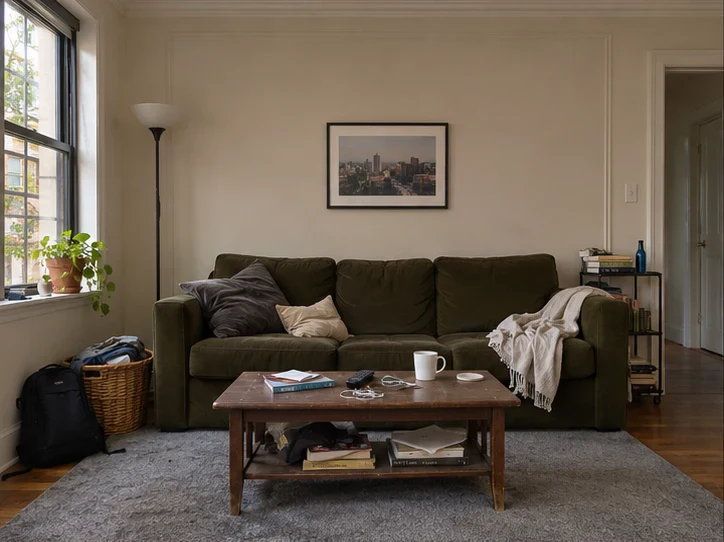
 Before
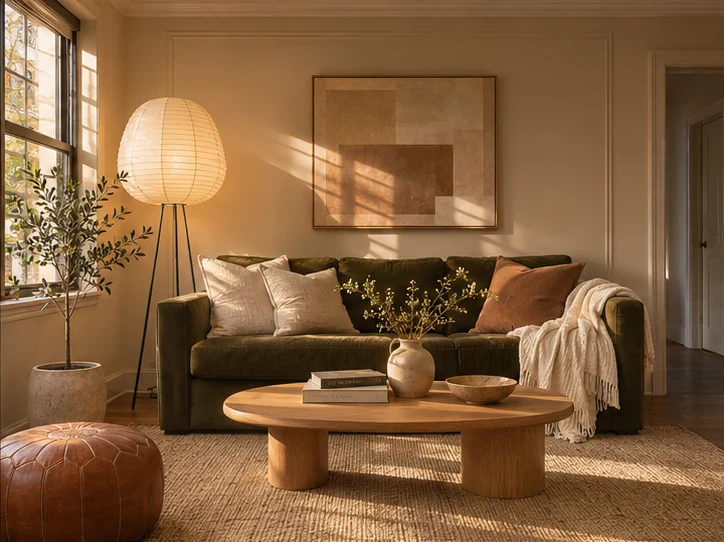
After
Redesign your room
Choose a style, then tell us what to keep or change.
Drop a room photo here
JPG, PNG or WebP, up to 10 MB
Tap or click around the area, then close the selection. With the keyboard, use the arrow keys and Enter.
Your room redesigns
How it works
Start with a photo or description
Upload a clear photo for a redesign, or describe the layout and furniture for a new concept.
Choose what changes
Pick a style, lighting and objects to include. If you are using a photo, name any pieces or fixtures you want to keep.
Compare and save
Check the result against your photo before you buy paint or move furniture. Download an idea you want to keep.
Design around the sofa you already have
Take the photo from a doorway or corner so the sofa, main window and floor stay in view. Try a floor lamp on the darker side of the sofa, a rug that anchors the seating area, or lighter curtains that let in more daylight. If a piece should stay, identify it by its color and position.
If you’re deciding whether a specific chair or table fits the look, try it in your living room with a product photo.
Design styles
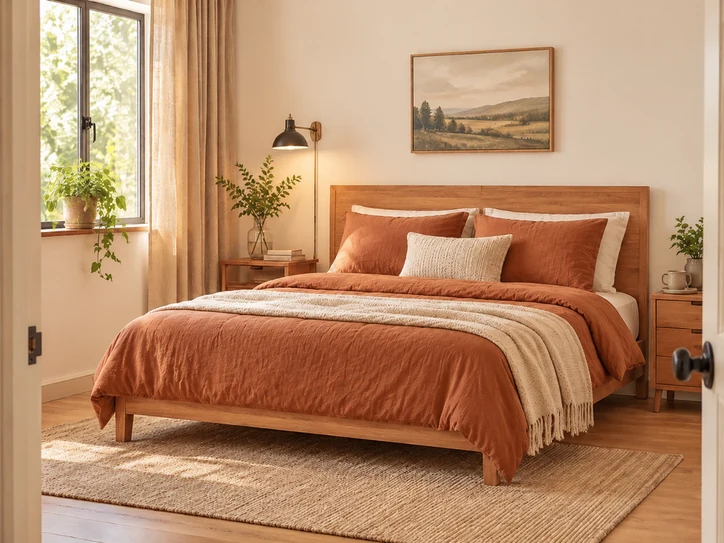
Warm modern
Natural oak, textured neutrals and warm lighting.
Use this style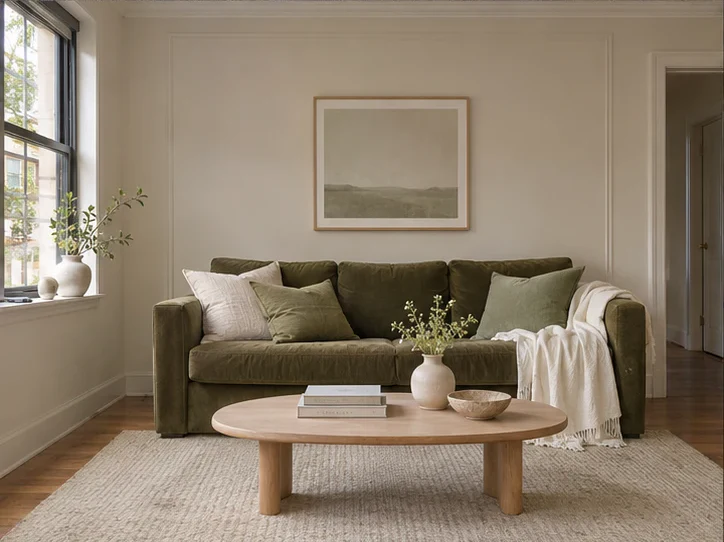
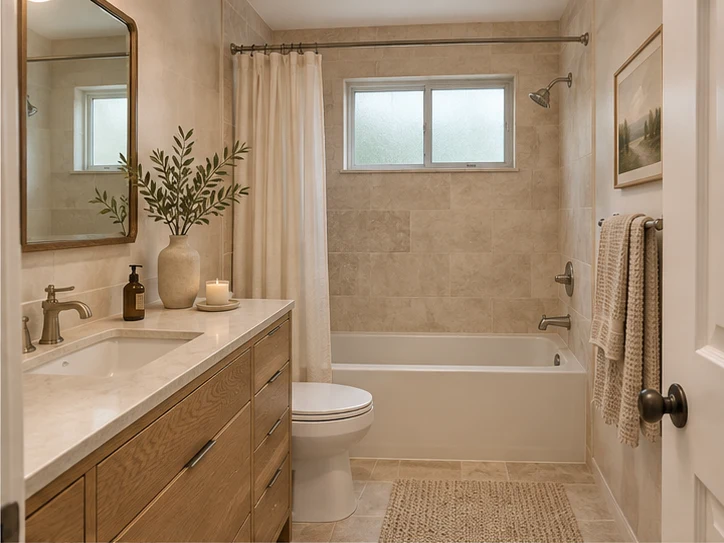
Soft minimal
Light finishes, simple shapes and a quieter palette.
Use this style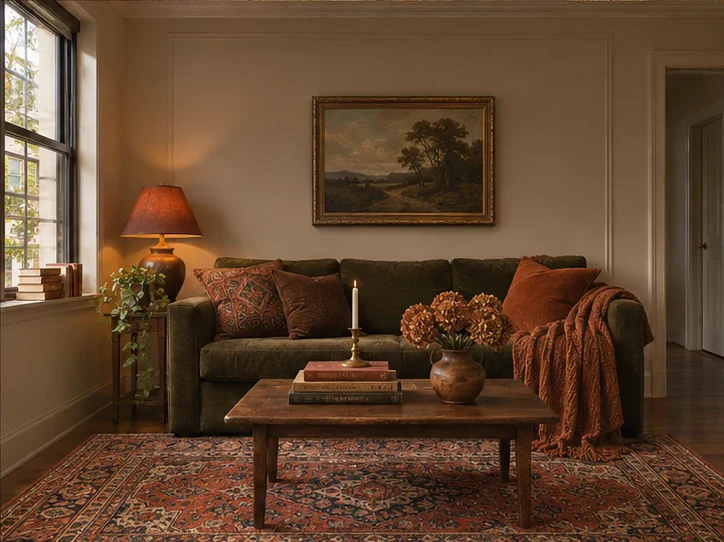
Earthy vintage
Walnut, warm reds and patterned textiles.
Use this styleAI-generated style references
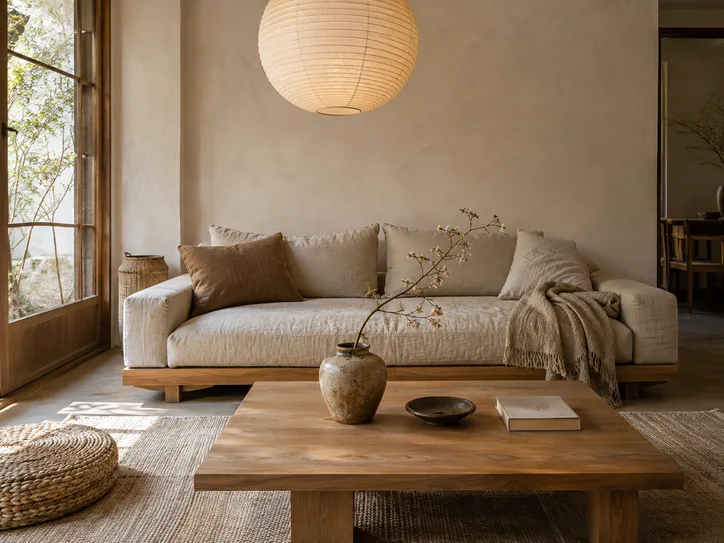
Japandi
Use this style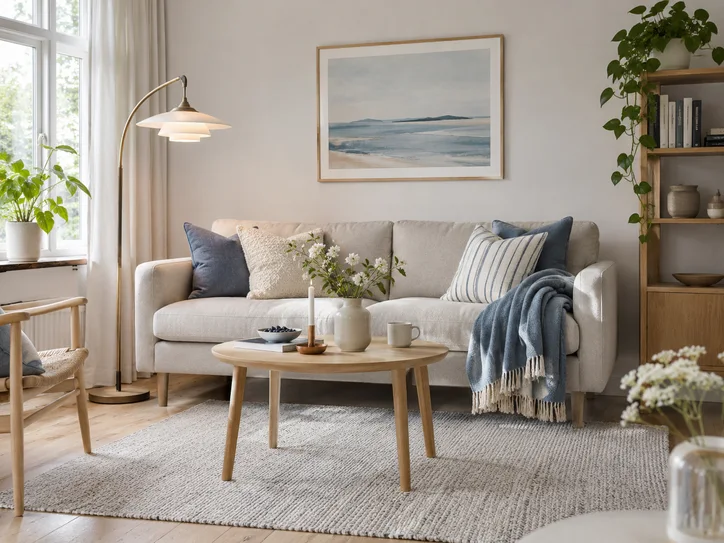
Scandinavian
Use this style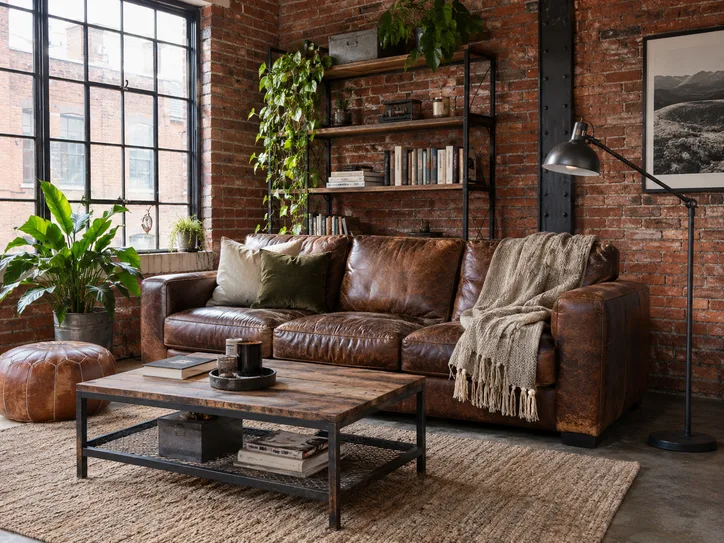
Industrial
Use this style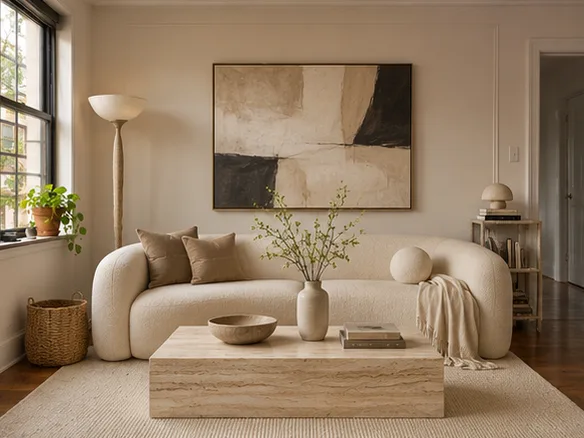
Contemporary
Use this style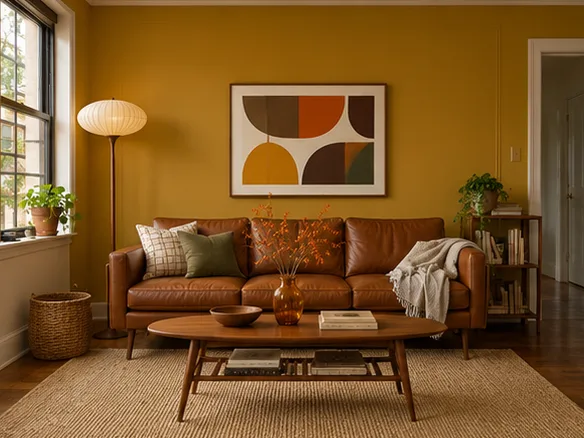
Mid-century modern
Use this style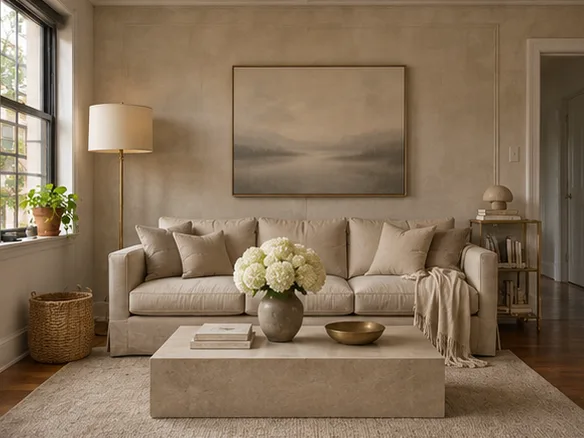
Quiet luxury
Use this style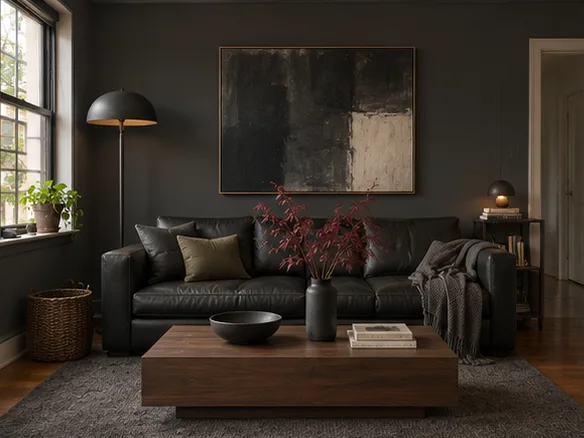
Dark modern
Use this style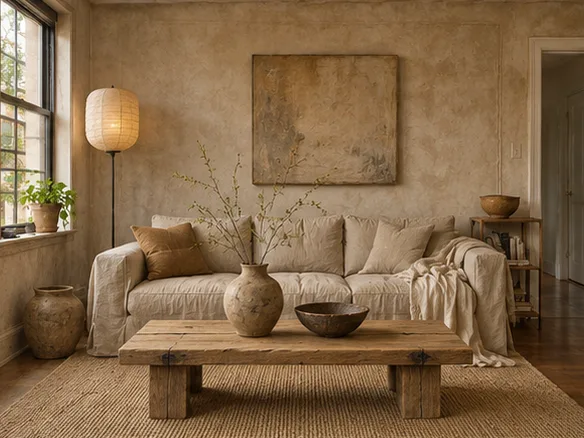
Wabi-sabi
Use this style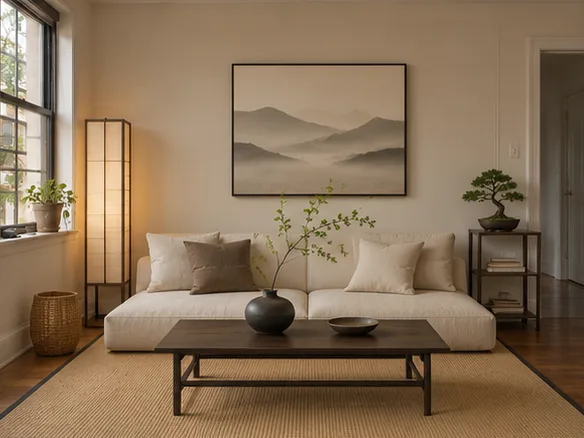
Zen
Use this style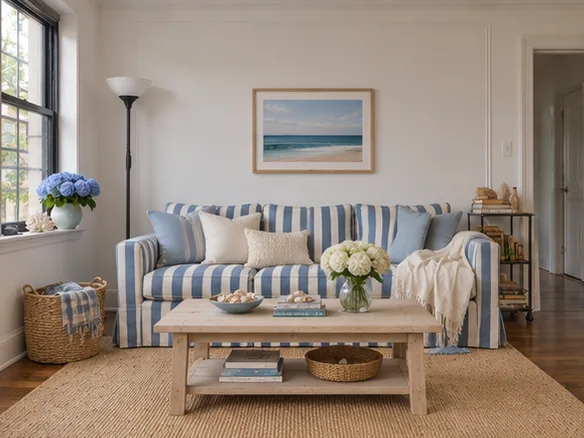
Coastal
Use this style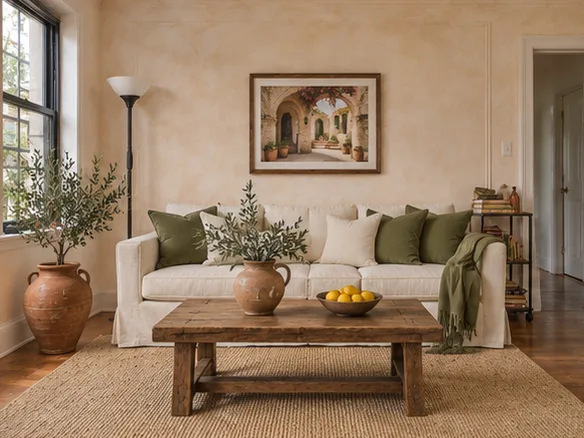
Mediterranean
Use this style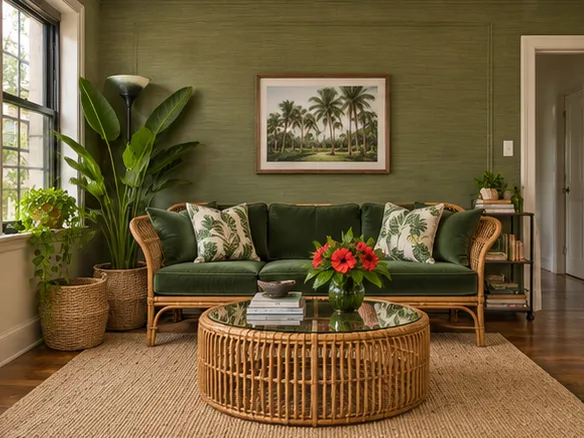
Tropical
Use this style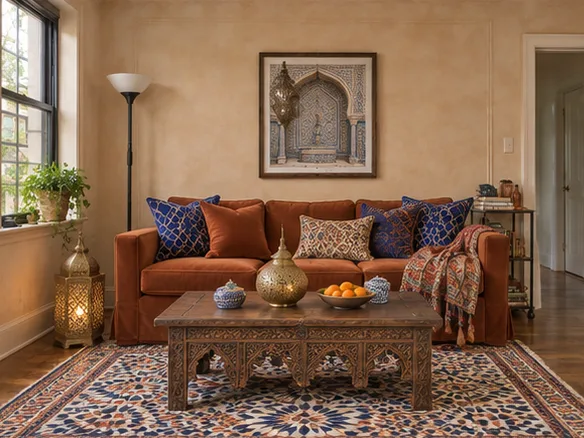
Moroccan
Use this style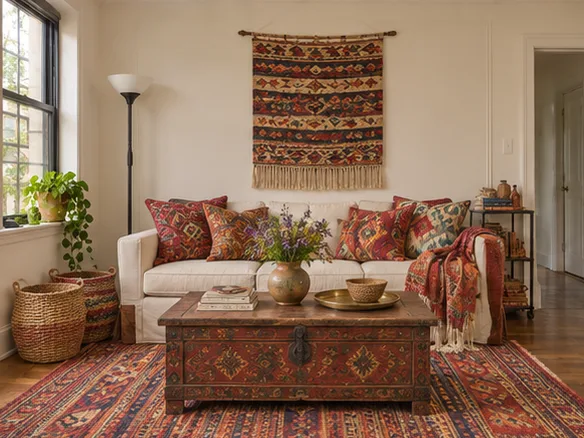
Bohemian
Use this style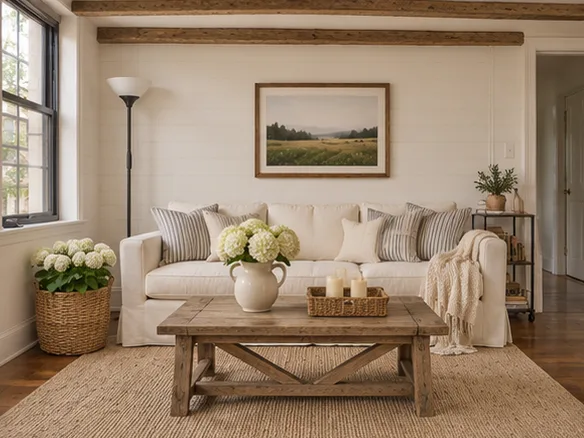
Modern farmhouse
Use this style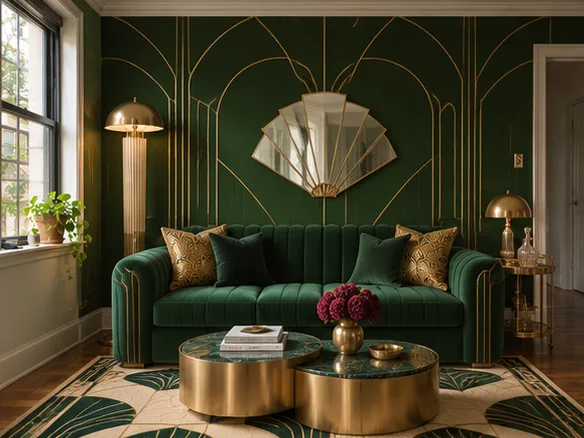
Art deco
Use this style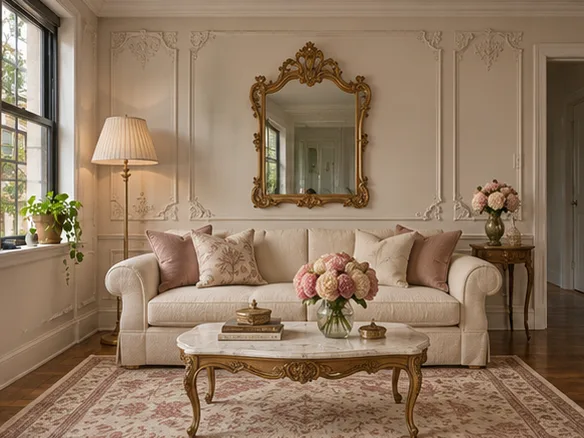
Parisian
Use this style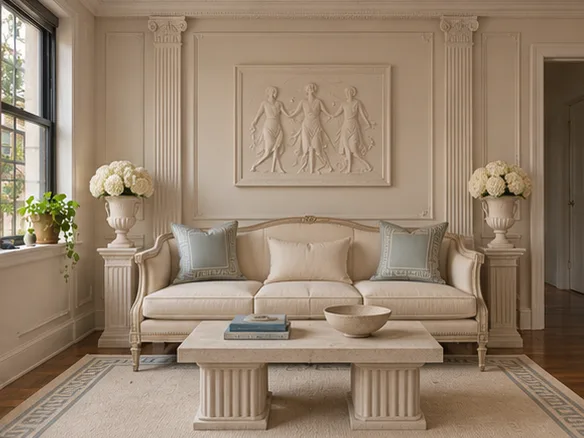
Neoclassical
Use this style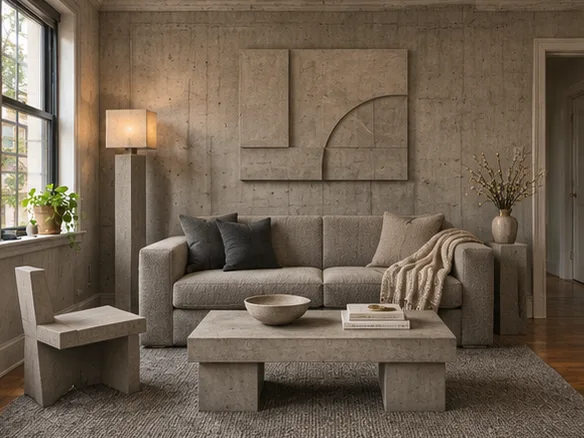
Brutalist
Use this style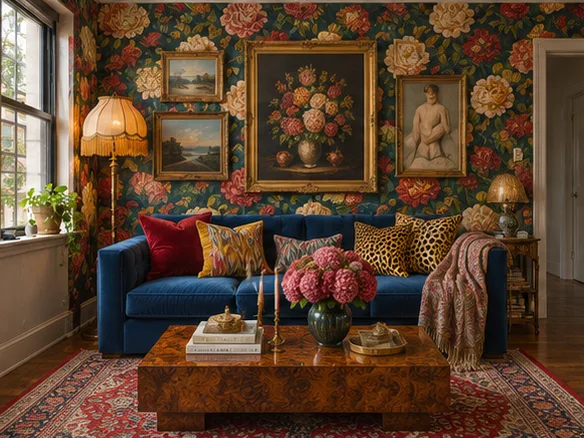
Maximalist
Use this style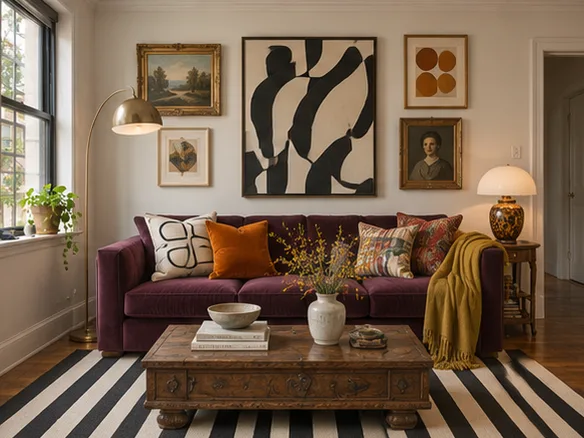
Eclectic
Use this style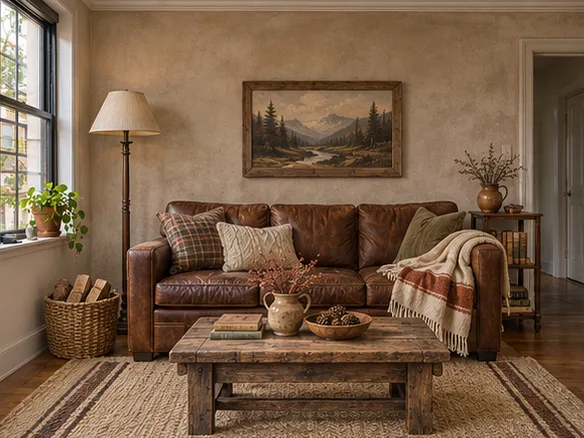
Rustic
Use this style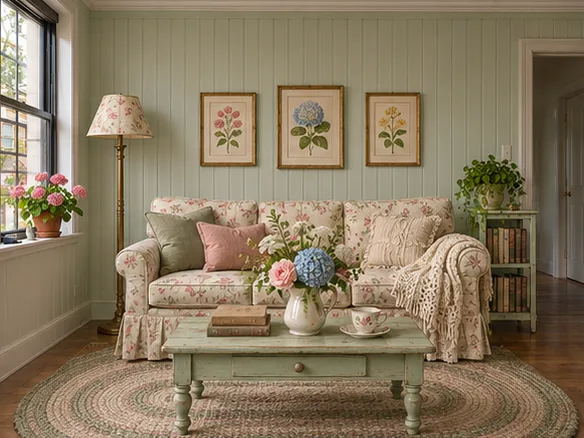
Cottagecore
Use this style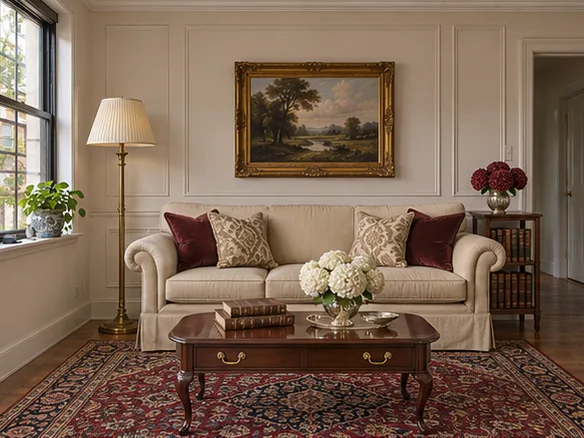
Traditional
Use this style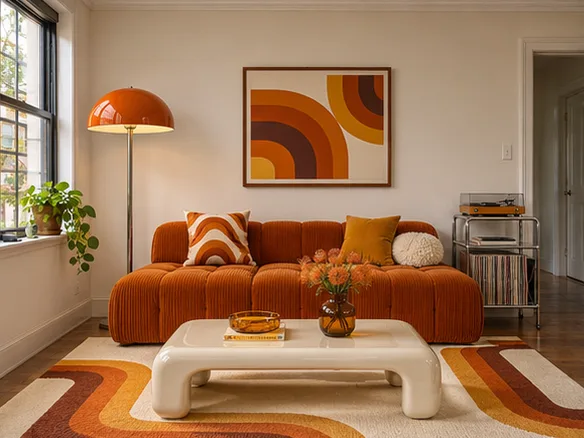
1970s retro
Use this style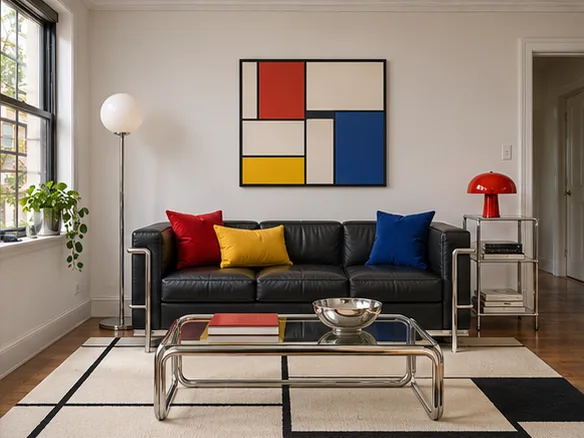
Bauhaus
Use this style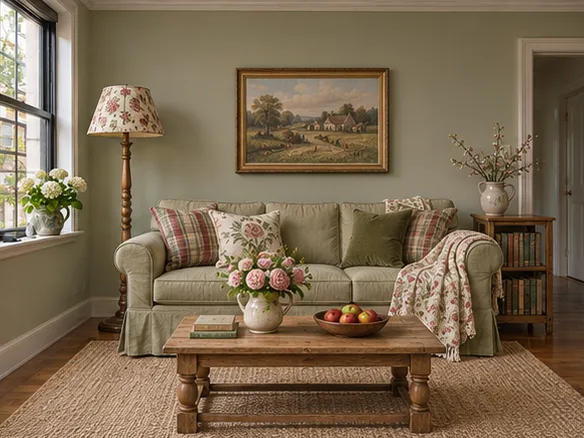
English country
Use this styleWhat’s included for free
- Redesigns
- Up to 2 per day, while shared capacity lasts.
- Account
- No sign-up or credit card.
- Download
- Image downloads with no watermark added by airoomdesign.dev.
- Photo formats
- JPG, PNG and WebP up to 10 MB.
Explore room designs
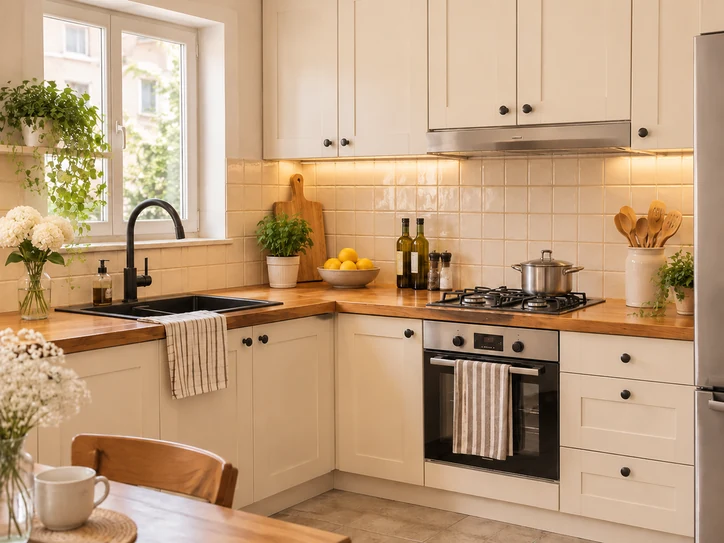
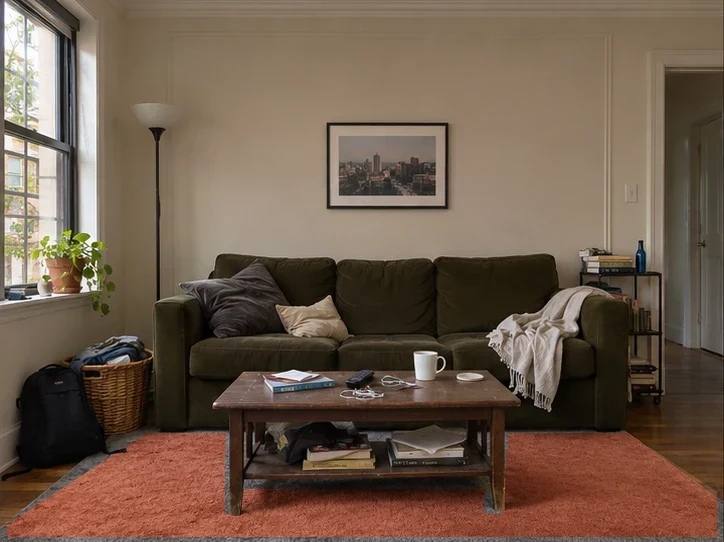
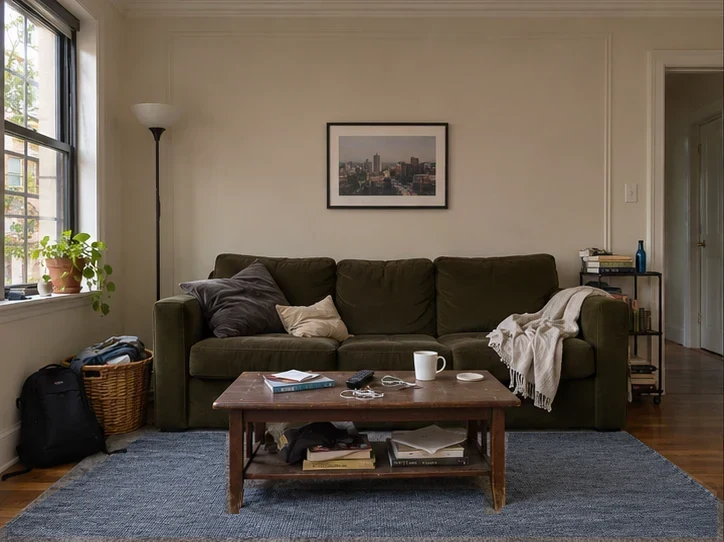
Two rug colors in the same living room
Both previews use one photo and one outline. In the PNG downloads, the area outside that outline keeps the original pixels.
Questions about Living Room Design
How do I change the rug color without replacing the sofa?
Upload a photo that shows the rug and sofa. Trace the visible rug and leave the sofa, coffee table and floor outside the selection. Enter a color or fabric for each option. Compare two rug options.
What will a specific armchair look like next to my sofa?
Upload the living room photo and a clear product photo of the chair. Place it near the sofa in the instructions, then compare its visual scale with the room. Try an armchair in the room.
What wall color goes with the sofa I already own?
Start with the room’s daylight and an upholstery color you want to keep. Preview a warm neutral and a cooler alternative on the same wall, then check real swatches in the room. Preview colors on your wall.
How do I keep the coffee table legs when I change the rug?
Trace only the visible rug and follow the outline of furniture in front of it. Areas outside the selection retain the original pixels in both PNG downloads.
Frequently asked questions
How many AI room designs can I make for free?
Create up to 2 redesigns a day without an account or credit card, while the shared capacity lasts.
Can I keep the furniture I already own?
Select Existing furniture and name any pieces you want to keep. Check the result against the original before you commit to a change.
Can I design a room with no photo?
Choose Room description and describe the room you want. The result is a new concept image based on your description.
What kind of photo works best?
Use a well-lit photo from a corner that shows the floor, two walls and the furniture you want to keep.
What happens to my photo?
Your browser previews it locally. When you request a redesign, the photo and instructions are sent to our image provider. airoomdesign.dev does not save a result page.
Is the redesign a measured floor plan?
The images are visual concepts. Verify room measurements, furniture sizes and installation requirements separately.