AI kitchen design
See how new counters, tile or lighting could work with the cabinets you already have.
- Starting point
- A photo showing the cabinets, counters and backsplash
- Output
- Kitchen finish preview
- Availability
- Image generation
Up to 2 free redesigns per day. No account or credit card required.
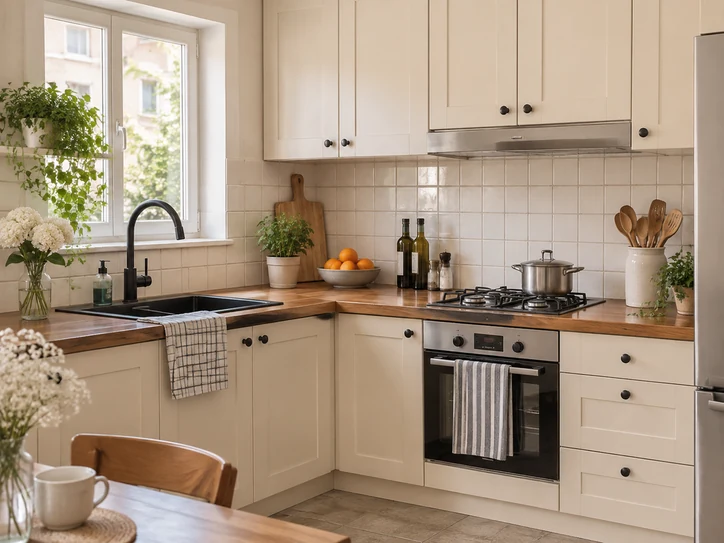
 Before
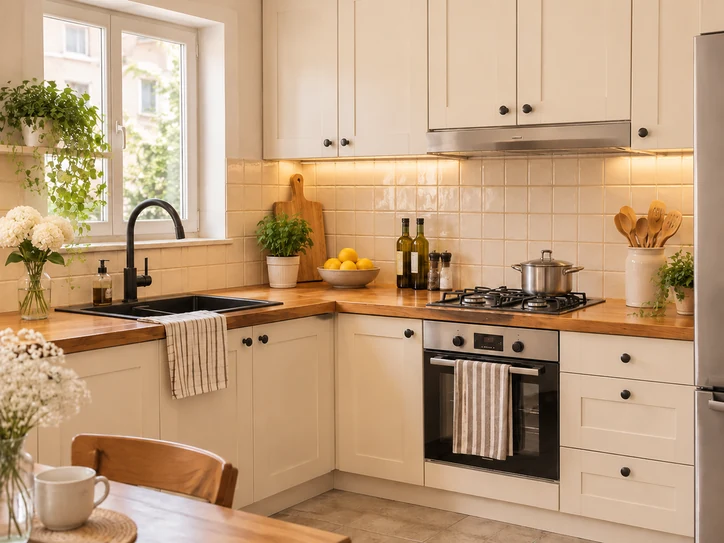
After
Redesign your room
Choose a style, then tell us what to keep or change.
Drop a room photo here
JPG, PNG or WebP, up to 10 MB
Tap or click around the area, then close the selection. With the keyboard, use the arrow keys and Enter.
Your room redesigns
How it works
Start with a photo or description
Upload a clear photo for a redesign, or describe the layout and furniture for a new concept.
Choose what changes
Pick a style, lighting and objects to include. If you are using a photo, name any pieces or fixtures you want to keep.
Compare and save
Check the result against your photo before you buy paint or move furniture. Download an idea you want to keep.
Compare finishes around your cabinets
Take a corner photo that includes the counters, backsplash and cabinets. To compare two backsplash materials, choose Selected area A/B and trace the wall between the counters and upper cabinets. Leave outlets and cabinet edges outside the selection if you want to preserve their pixels.
If you’re choosing a new backsplash, compare wall finishes on your kitchen photo.
Design styles
Warm modern
Warm ceramic tile and honey-toned wood counters.
Use this style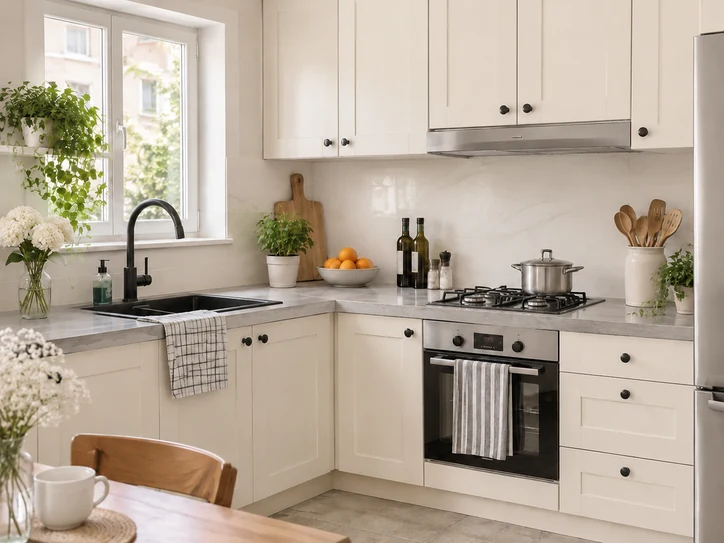
Soft minimal
Pale stone counters and a quiet ivory backsplash.
Use this style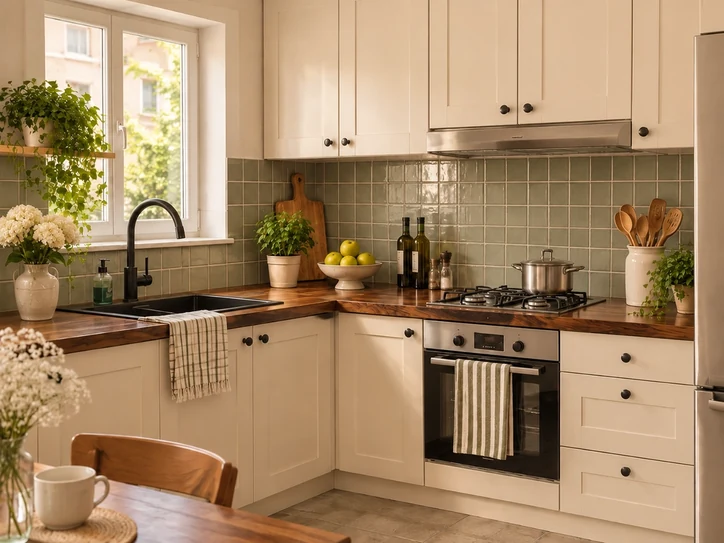
Earthy vintage
Sage ceramic tile and dark walnut counters.
Use this styleAI-generated style references
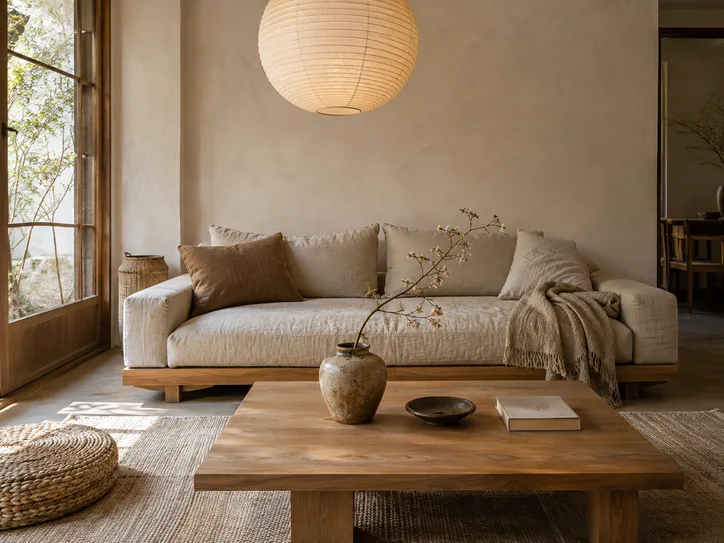
Japandi
Use this style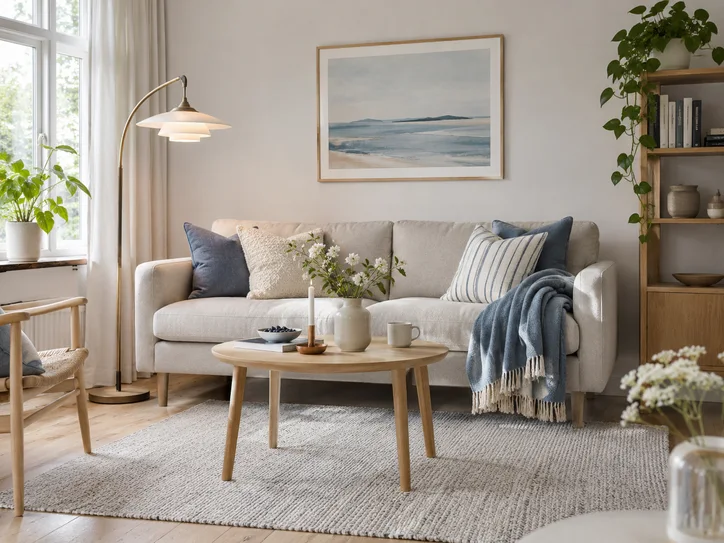
Scandinavian
Use this style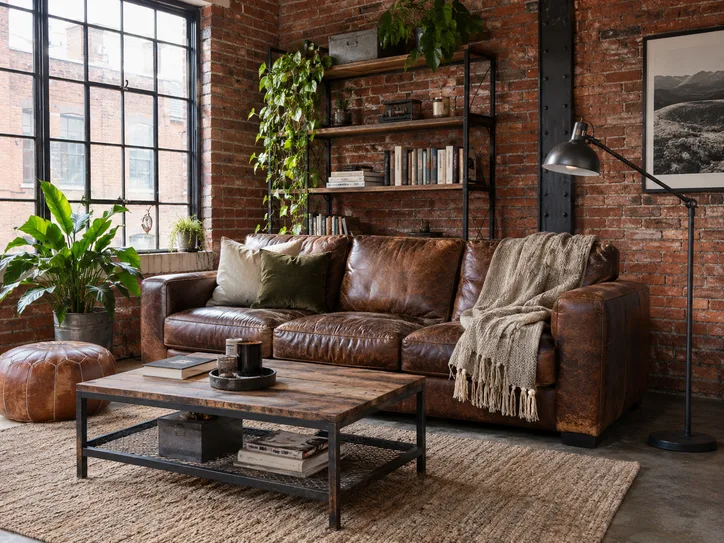
Industrial
Use this style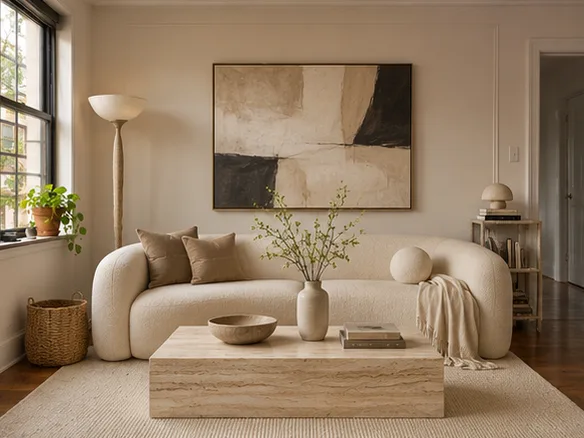
Contemporary
Use this style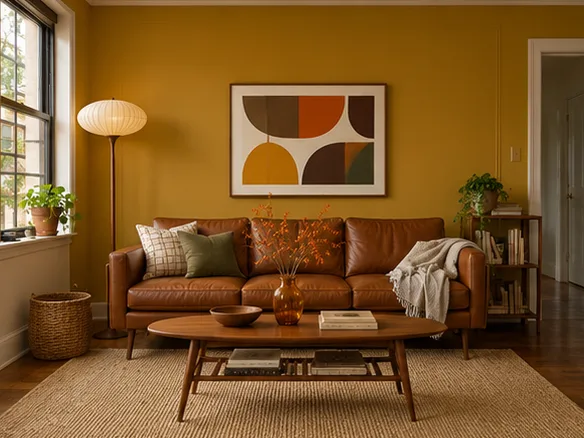
Mid-century modern
Use this style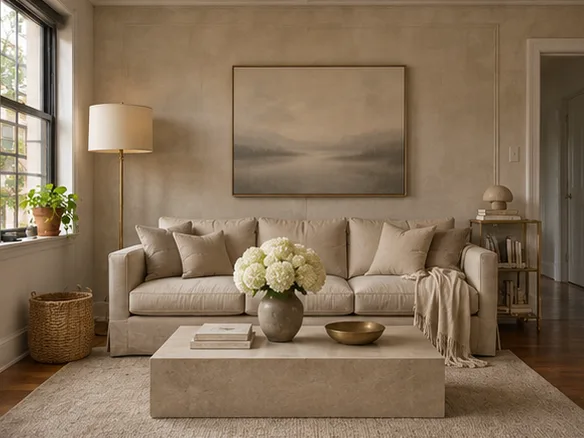
Quiet luxury
Use this style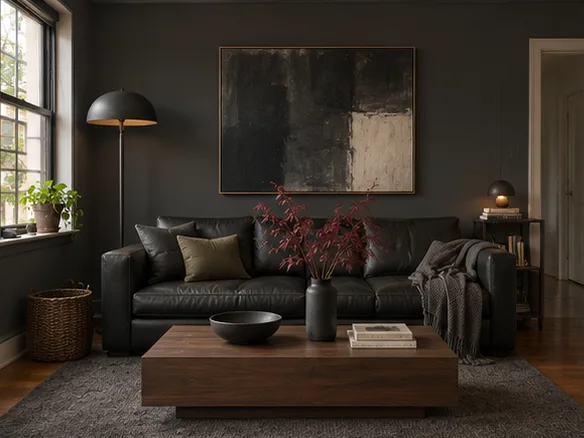
Dark modern
Use this style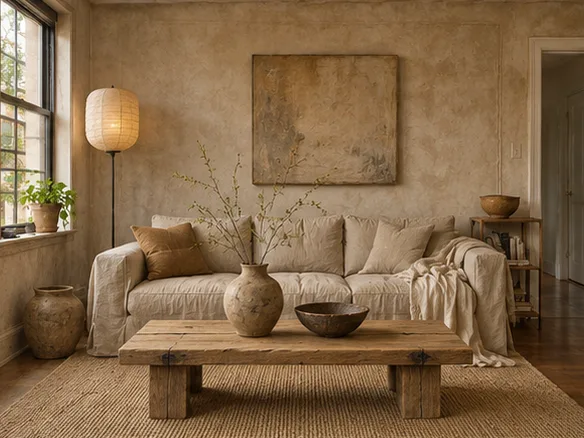
Wabi-sabi
Use this style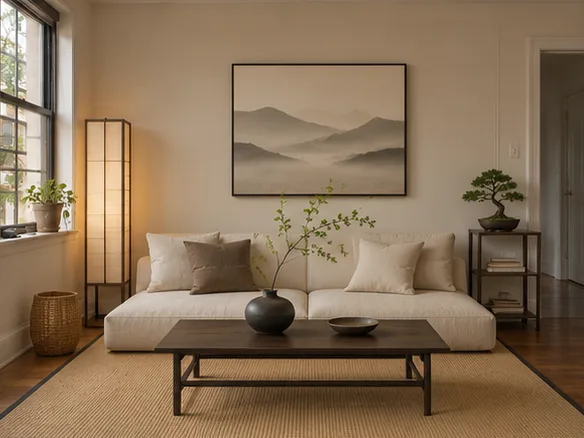
Zen
Use this style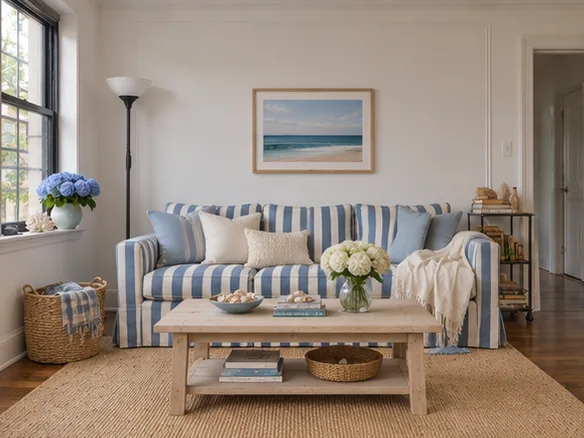
Coastal
Use this style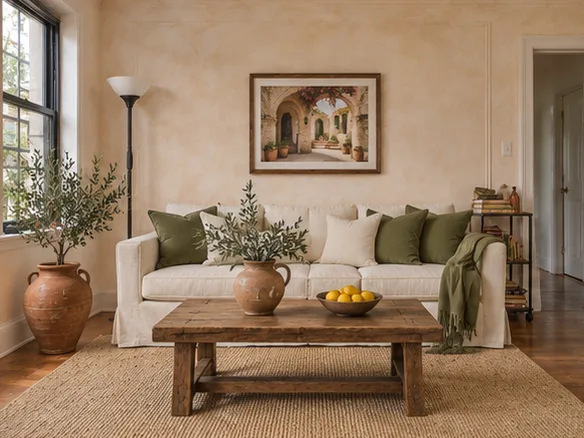
Mediterranean
Use this style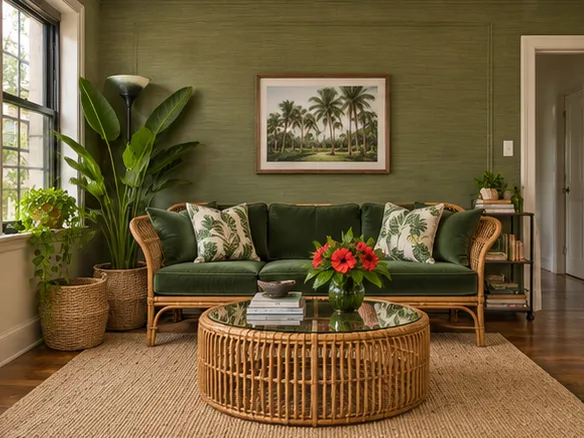
Tropical
Use this style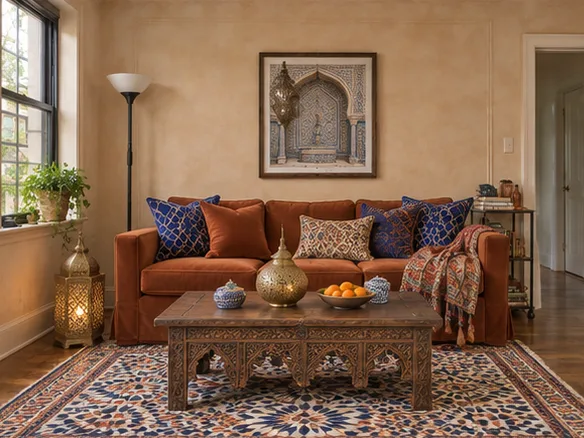
Moroccan
Use this style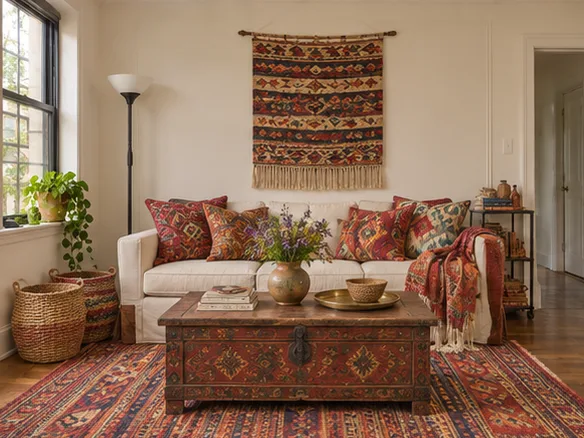
Bohemian
Use this style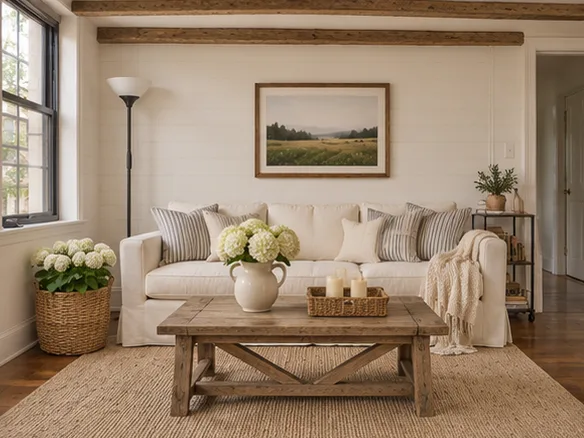
Modern farmhouse
Use this style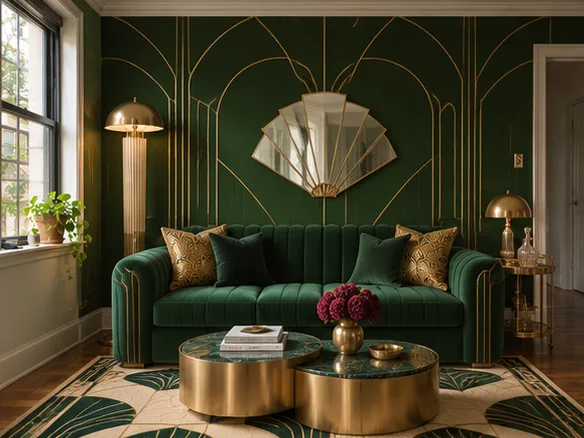
Art deco
Use this style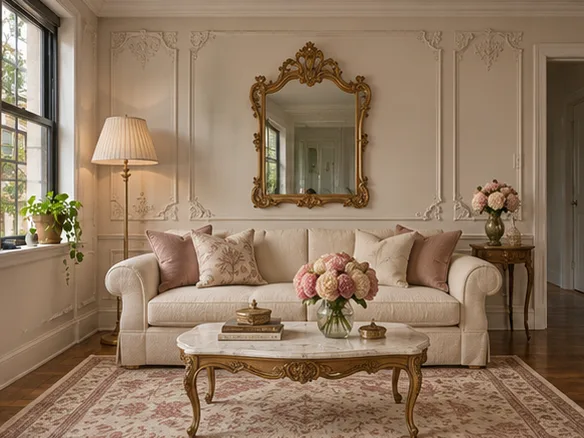
Parisian
Use this style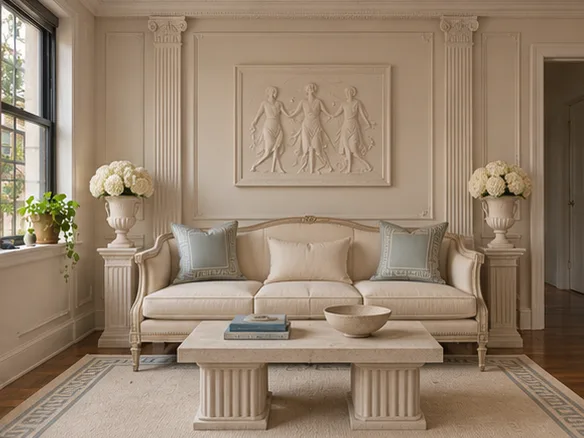
Neoclassical
Use this style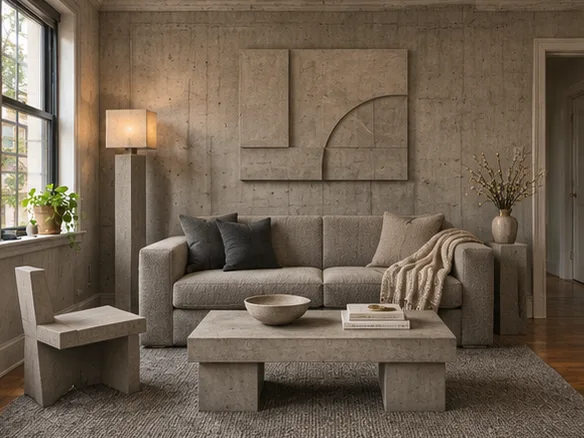
Brutalist
Use this style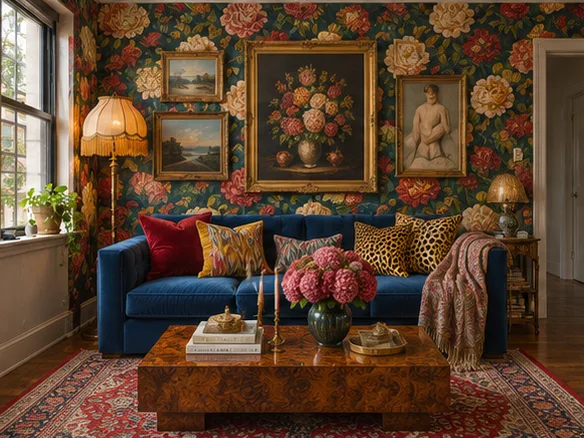
Maximalist
Use this style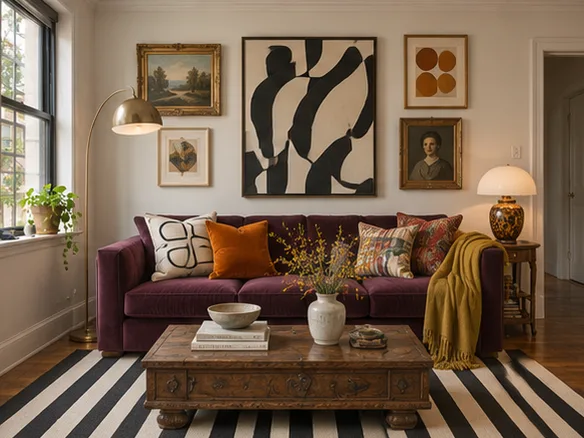
Eclectic
Use this style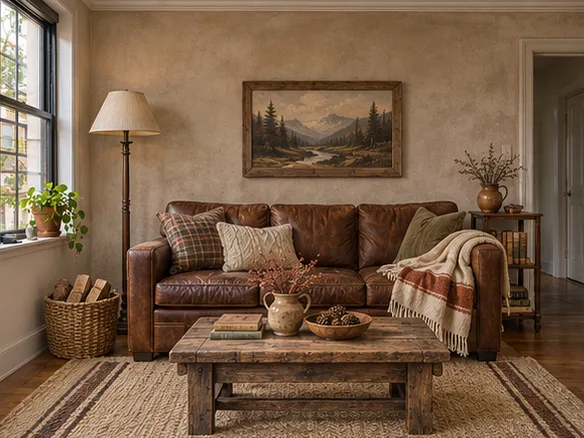
Rustic
Use this style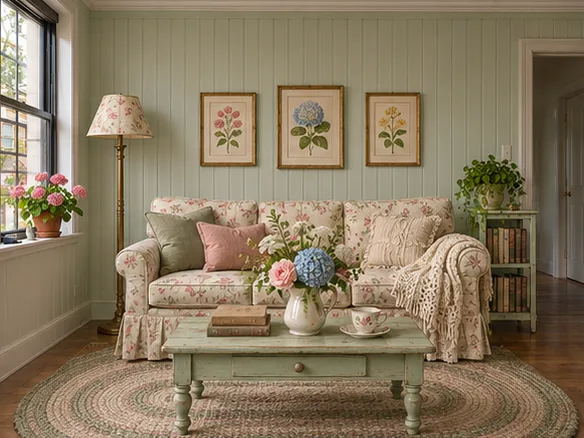
Cottagecore
Use this style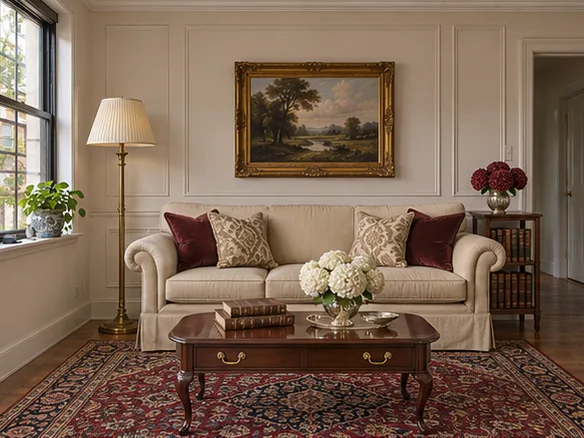
Traditional
Use this style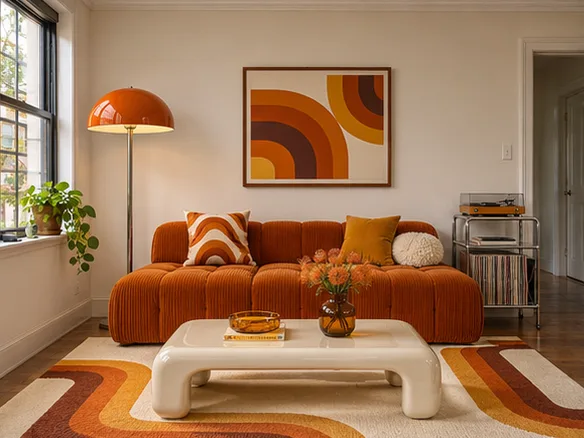
1970s retro
Use this style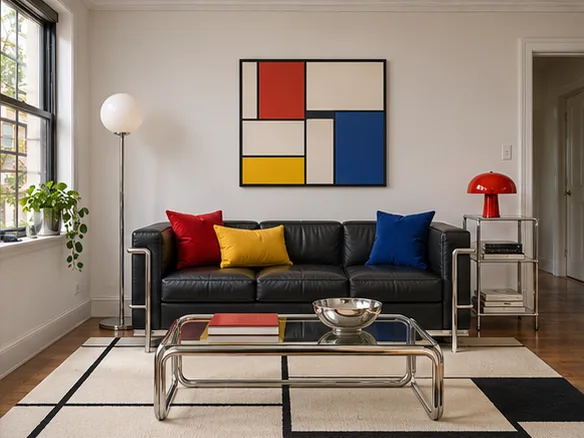
Bauhaus
Use this style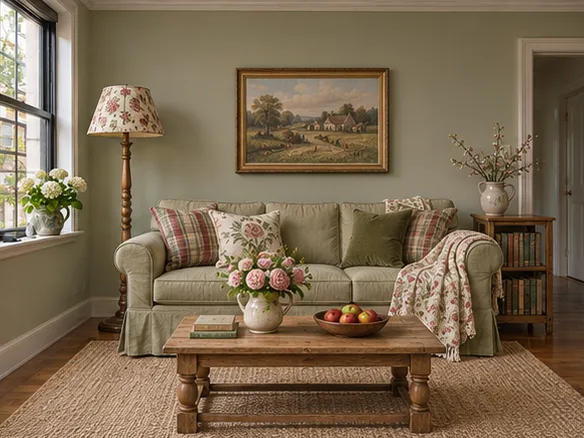
English country
Use this styleWhat’s included for free
- Redesigns
- Up to 2 per day, while shared capacity lasts.
- Account
- No sign-up or credit card.
- Download
- Image downloads with no watermark added by airoomdesign.dev.
- Photo formats
- JPG, PNG and WebP up to 10 MB.
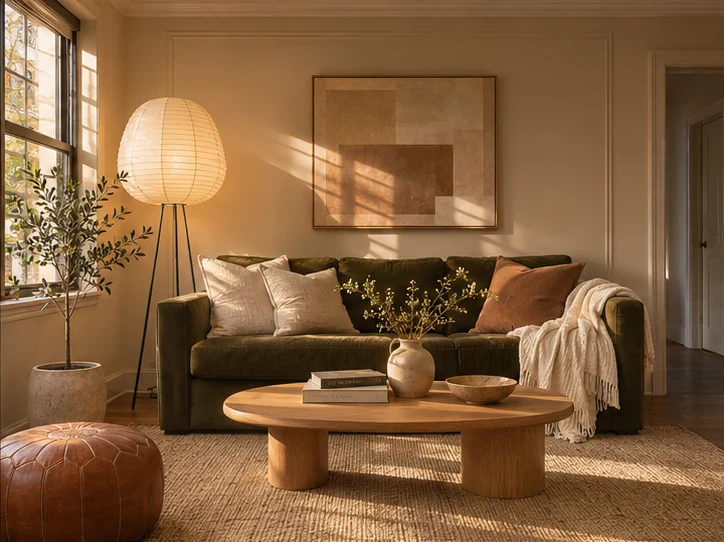
Explore room designs
Questions about Kitchen Design
How can I see a new backsplash with my existing cabinets?
Photograph the whole counter run. Outline the tile area around outlets and cabinet edges. Compare two options from the same photo, such as white subway tile and sage ceramic. Compare backsplash options.
How do I preview new countertops in my kitchen before ordering?
Use a corner photo showing the countertop edges and sink. Pick a countertop finish and keep the built-ins. Check actual slab samples and dimensions before ordering. Preview kitchen countertops.
Can I choose countertop and backsplash materials separately?
Use the separate kitchen finish settings. For a backsplash-only comparison, use Selected area A/B and outline the tile without including cabinets or outlets.
Frequently asked questions
Can I preview tile without changing the cabinets?
Select the backsplash for a local edit, or ask a whole-room design to preserve built-ins. Verify the tile size and color with physical samples.
How many AI room designs can I make for free?
Create up to 2 redesigns a day without an account or credit card, while the shared capacity lasts.
Can I keep the furniture I already own?
Select Existing furniture and name any pieces you want to keep. Check the result against the original before you commit to a change.
Can I design a room with no photo?
Choose Room description and describe the room you want. The result is a new concept image based on your description.
What kind of photo works best?
Use a well-lit photo from a corner that shows the floor, two walls and the furniture you want to keep.
What happens to my photo?
Your browser previews it locally. When you request a redesign, the photo and instructions are sent to our image provider. airoomdesign.dev does not save a result page.
Is the redesign a measured floor plan?
The images are visual concepts. Verify room measurements, furniture sizes and installation requirements separately.